WSOP Free Chips on Mobile: How to Claim Daily Chips on Android and iPhone (2026)
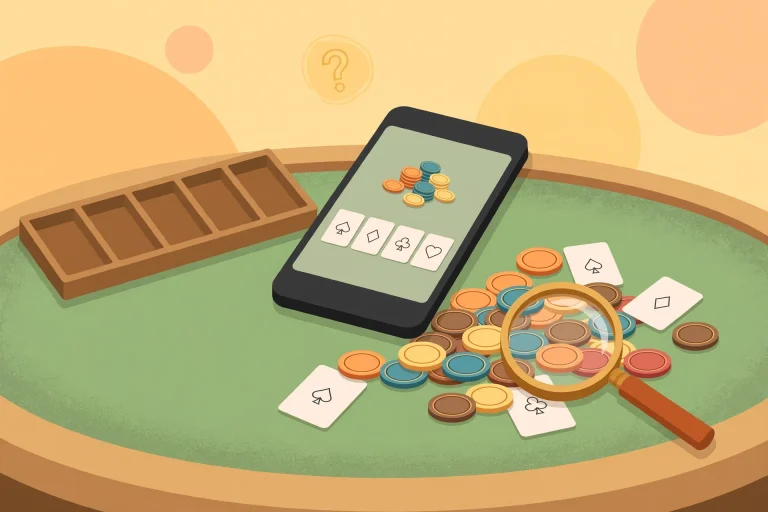
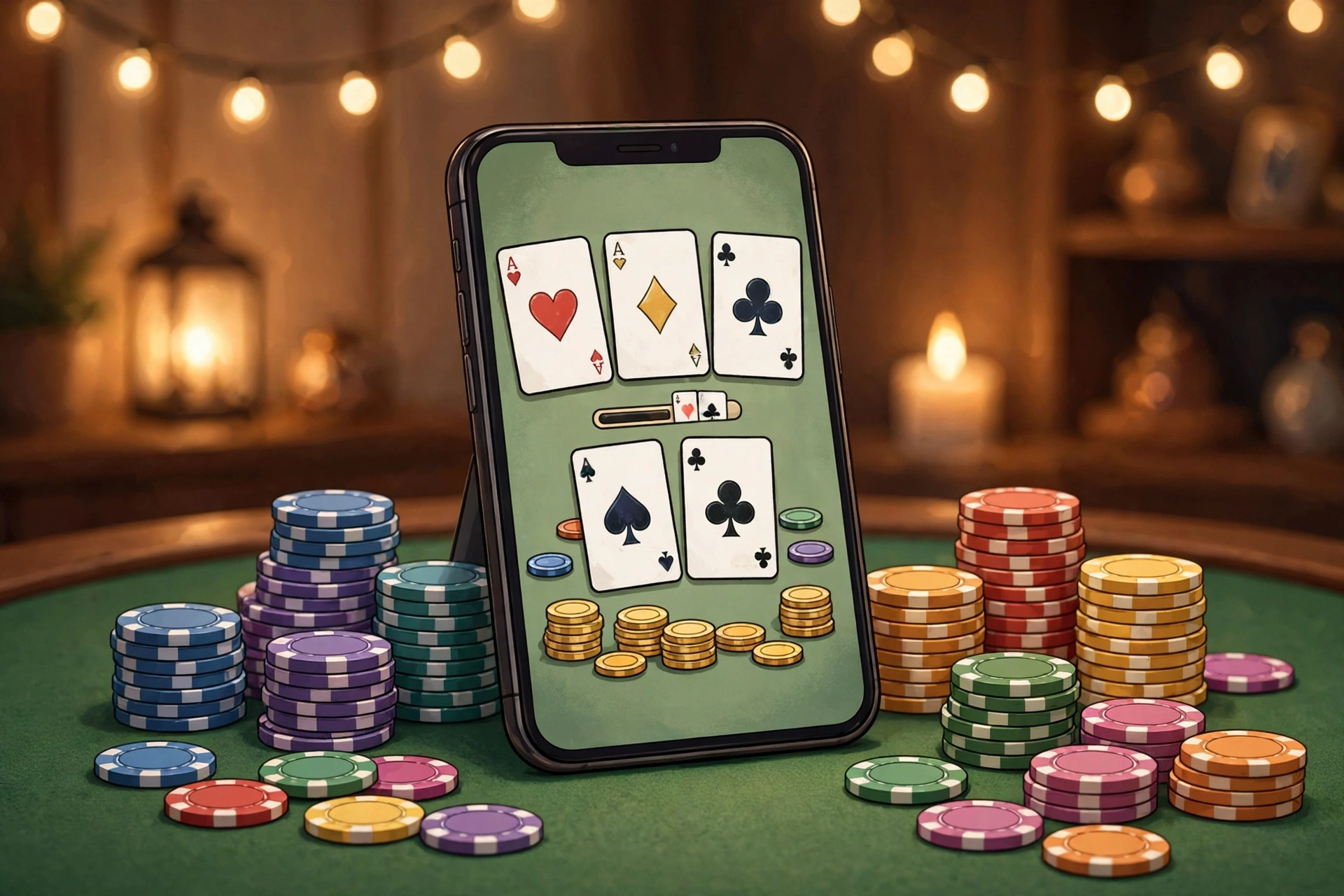
A phone showing a poker game with virtual poker chips on a green table. Most of your daily WSOP free chips are claimed on mobile, in just a few taps.
Yes — you can claim WSOP free chips on mobile on Android and iPhone. Open the WSOP app, collect your daily login bonus and the four-hour bonus, and use the daily links in your phone browser. The Mega Bonus Wheel works too. It takes a couple of minutes a day. The chips are virtual — no real money is involved — and you must be 21 or older to play.
I play almost entirely on my phone now. The WSOP app lives there, and that is where the daily routine happens — in the morning with coffee, and again in the evening when I have a few quiet minutes. It is a small habit, not a big session, and that is the point of this guide: how to claim your daily chips on your phone without turning it into a chore, and without missing the bonuses worth collecting.
One honest note before we start. The app changes. Buttons move, a bonus appears one week and hides the next, and the amounts vary from day to day. Nothing in this guide promises a fixed number of chips. What it gives you is a routine that works on both Android and iPhone, and a clear idea of what to try when something does not work.
Getting started on your phone
First, make sure you have the official WSOP app installed from your phone’s app store — Google Play on Android, or the App Store on iPhone. There are lookalike apps out there with similar names, so check the developer name before you install anything, and never download the app from a random link or a file someone sends you. If you already play on a computer, sign in on your phone with the same account, usually through Facebook or your WSOP account, so your chips and progress carry over.
Once you are in, take a minute to look around the home screen before you start tapping everything. The daily bonus, the spin wheel and the shop live in slightly different places depending on the version of the app you have, and they move around after updates. On my phone the daily bonus pops up on its own when I open the app, but I still like knowing where things are. If the app asks you to update, do it before you start collecting — an old version is one of the commonest reasons a bonus button does nothing when you tap it.
The daily login bonus on mobile
The daily login bonus is the simplest part of the whole routine, and it is the one I would never skip. Open the app once a day and the bonus is usually right there — a pop-up, a calendar-style screen, or a gift icon on the home screen. Tap it, and the chips go into your balance. Some days the screen shows a streak, where coming back day after day builds up to a bigger reward at the end of the week. It takes about ten seconds, and missing a day just resets the streak — annoying, but not the end of the world.
A small thing that has saved me more than once: do not close the app the instant you tap the bonus. Give it a second or two to finish — on a slow connection, that is the moment the app is talking to the server. If the bonus screen does not appear at all, close the app properly and open it again. Nine times out of ten, that is all it takes.
The four-hour bonus
The four-hour bonus is the one people forget, and it is the one that adds up. Every four hours or so, the app lets you collect another small pile of chips, usually from a timer or a gift icon on the home screen. I do not set my life around it, but I do collect it when I open the app anyway — morning coffee, lunch, an evening session. That is three collections without trying very hard, and they add up over a week.
On my phone the timer shows as a countdown, which helps. If yours does not show a timer, just tap the gift icon and see what it says — it will either give you the chips or tell you how long is left. Do not be surprised if the timing is not exactly four hours to the minute. It varies a little, and it sometimes resets when the app updates. The habit matters more than the exact timing: open the app, tap the bonus if it is ready, and move on.
Daily links on your mobile browser
The daily links are the other half of the routine, and they work fine on a phone — you just open them in your mobile browser instead of the app. Each day a set of links is published, and tapping one opens the WSOP app and adds chips to your balance. I open the daily links page, tap the first link, wait for the app to confirm, and then go back for the next one. It is slower than using a computer, but it works, and I do it on the sofa without thinking about it.
If you want the full picture of how the daily links fit into the rest of the routine, start with WSOP free chips today — the guide to getting free WSOP chips every day walks through the whole day in order, and it is the one I would read first if you are new to this. The daily links are genuinely useful, but they work best as part of the routine — login bonus, four-hour bonus, links, and the wheel — rather than on their own.
Push notifications and reminders
Push notifications are the easiest way to stop forgetting the bonuses, and they are worth turning on — but only the useful ones. When you install the app it will ask whether you want notifications. I said yes to bonus reminders and no to most of the rest. A reminder that your four-hour bonus is ready is genuinely helpful; a notification about every tournament starting is not, and it will just train you to ignore all of them.
On Android, you can change this later in the phone settings under Apps, then the WSOP app, then Notifications. On iPhone, it is in Settings, then the WSOP app, then Notifications. Both let you turn off the noisy categories and keep the bonus reminders, and it takes about a minute to set up. I check mine every few months, because app updates sometimes turn categories back on without asking.
The Mega Bonus Wheel on mobile
The Mega Bonus Wheel is one of the more enjoyable parts of the app on a phone, mostly because it is made for tapping and spinning. It appears as a wheel on the home screen or in the bonus area, and you spin it for a chance at extra chips. I usually spin it when it is free, and I do not chase it when it is not — the free spin is the fun part, and paying for extra spins is a different decision entirely.
A couple of things I have learned. The wheel is not always there. Sometimes it appears for a few days, then disappears, then comes back with a different look. That is normal — it runs as a limited-time feature. And the prize varies. Some spins give a small pile of chips, some give a bigger one, and there is no trick to landing on the big prize. Anyone who tells you there is a secret timing or a pattern is guessing.
If the wheel does not load, or it spins forever without stopping, close the app and try again. It is usually a connection hiccup rather than anything wrong with your account. And if it asks you to watch an advert for a free spin, that is your choice — it is a normal part of a free app, and it does not affect your chips either way.
When a link or bonus does not load on your phone
This is the part of the guide I wish someone had written for me when I started, because the first time a link did nothing, I assumed I had done something wrong. Most of the time, you have not. Mobile connections drop, the app gets stuck, and a link that worked yesterday can fail today for no obvious reason. Here is what I try, in order, and it fixes the problem almost every time.
First, check your connection. If you are on mobile data with one bar of signal, or on public Wi-Fi that keeps dropping, the app will struggle. Switch to a stronger connection if you can. Second, close the app properly — swiping it away, not just switching to another app — and open it again. Third, if a daily link is the problem, try it once more after a minute or two, and if it still does nothing, move on to the next link and come back to it later.
If the app itself keeps crashing or freezing, check for an update in your app store, and check that your phone has some free storage space. Restarting the phone sounds like the oldest advice in the book, but it genuinely helps — I do it about once a week. If none of that works, reinstalling the app is the last resort, but only do it if you are sure you know your login details, because you will need to sign in again afterwards.
One more thing, said plainly: there is no verified public promo code for November 2026, so if a link or a video promises you a code for extra chips on mobile, be careful. I have seen plenty of those claims, and they do not hold up. The real bonuses — the login bonus, the four-hour bonus, the daily links and the wheel — are inside the app itself, and they do not need a code.
Battery and data tips
Playing on your phone all day will eat your battery, and the app is heavier than it looks. I turn the brightness down a little and turn the sound off when I am just collecting bonuses, and that alone makes a noticeable difference. Low-power mode helps too, though it can make the app slightly slower to load.
Data is the other thing to watch. The app itself does not use much data for collecting bonuses, but an hour at the tables on mobile data adds up, and so do the adverts. I do my collecting on Wi-Fi whenever I can, and I save the longer sessions for Wi-Fi too. If you are on a limited data plan, check how much the app has used in your phone settings after a week.
Frequently asked questions
Can I claim WSOP free chips on mobile without the app?
Most of the bonuses need the app, because that is where they live. The daily links are the exception — you open them in your phone browser, and they hand you over to the app to collect. If you do not have the app installed, the links will ask you to install it first. So in practice, you need the app on your phone, even if you start from a link in your browser.
Does it work the same on Android and iPhone?
Yes, for the most part. The login bonus, the four-hour bonus, the daily links and the wheel all work on both. The screens look slightly different, and the settings for notifications are in different places, but the routine is the same. The only real difference I have noticed is that updates sometimes arrive on one platform a day or two before the other.
Why did my daily bonus not appear today?
Usually it is one of three things. The app needs an update, the bonus day has not rolled over yet on the app’s clock, or the app was still running in the background from yesterday and has not refreshed. Close the app properly, open it again, and check for an update.
Can I collect the same daily link twice on my phone?
No. Each daily link can only be claimed once per account, and the app will tell you it has already been claimed if you try again. If you have two devices, use one for claiming, so you always know which links you have already used.
Is it safe to play WSOP on my phone?
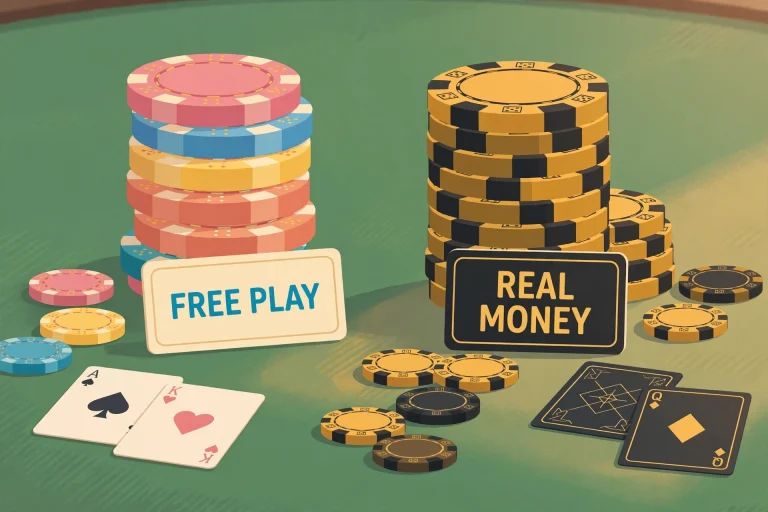
The official app from your phone’s app store is the safe way to play. Only install it from Google Play or the App Store, never from a link in a message or a video. You must be 21 or older to play, and the chips are virtual — there is no real money involved, and you cannot win or lose real money in the app. If a site or a video promises you chips the app itself does not offer, it is not real, and it is not worth your account.
How much time does the mobile routine take each day?
About two minutes, if you are just collecting. Open the app, take the login bonus, tap the four-hour bonus if it is ready, spin the wheel if it is free, and tap the daily links in your browser. That is the whole routine. Playing actual poker takes as long as you want it to, but the collecting part is quick — and that is why it works as a daily habit on a phone.
Final words
Claiming WSOP free chips on mobile is not complicated, and it does not need to take over your day. Open the app, collect the login bonus, tap the four-hour bonus when it is ready, use the daily links in your browser, and spin the wheel when it is free. That is the routine, and it works on Android and iPhone alike. I have kept it going for months now, and the chips add up quietly in the background.
If you are just starting out, do not try to do everything on the first day. Get the app installed, sign in, collect the login bonus, and tap one or two daily links. The rest will make sense once you have done it once. And if something does not load, do not panic — close the app, check your connection, and try again. For the full daily routine, including the links, have a look at the guide to WSOP free chips today on this site, and if you want to check the official game itself, you can find it at wsop.com. The chips are virtual, the game is for players aged 21 and over, and the best routine is the one you actually stick to.
That is really all there is to it. Keep it simple, keep it daily, and enjoy the game.